

Productivity Planner Desk Pad buyers know the challenge: you want to get more done, fight distractions, and actually use the tools you buy—without adding desk clutter or planner “guilt.” If you’re searching for a real, evidence-backed buy-and-use guide that bridges the best of analog and digital planning, you’re in the right place. This article delivers: hard data, honest pitfalls, and clear, practical steps tailored for modern professionals who want a Productivity Planner Desk Pad that works—every day.
Key Takeaways
- Physical planner pads are thriving—even in a digital-first working world. Productivity Planner Desk Pads make time-blocking and focus tangible, with a fast-growing market (daily planner pad sales hit $1.2B in 2024).
- Bad buys are common—but avoidable. The main pain points are size mismatch, poor paper or erasability, layout overload, and sustainability gaps. Being strategic with your purchase matters.
- Success is about workflow, not just the pad. Combining a well-chosen desk pad with your digital apps—and habits proven to last 60–90 days—is the key to real, lasting focus gains.
- Why a Productivity Planner Desk Pad or Time Blocking Desk Mat Still Matters in 2024
- Step-by-Step Guide: Choosing & Using Your Desk Pad for Real Focus
- Advanced Analysis & Common Pitfalls: What Reviews (and Market Data) Warn About
- Conclusion: Confidently Upgrade Your Focus—Today
- FAQs: Smart Answers Before You Buy
Why a Productivity Planner Desk Pad or Time Blocking Desk Mat Still Matters in 2024
The data is clear: despite all-in digital options, structured paper planners and desk mats are a growth market. In 2024, the daily planner pad market clocked in at around $1.2 billion, while broader workspace desk mats and pads reached $5.5–6.5 billion. What’s fueling this? “Digital fatigue,” the proven power of physical writing in clearing your mind, and the rise of hybrid/remote work.
Digital apps track tasks, but a Productivity Planner Desk Pad or Time Blocking Desk Mat brings instant visibility, tactile engagement, and a low-effort cue for daily focus. Market trends show that both corporate professionals and home office users find these tools help them break out of “lists everywhere” chaos and regain control—especially when paired with digital systems, not as a replacement.
Step-by-Step Guide: Choosing & Using Your Desk Pad for Real Focus
-
Know Your Real Workspace Needs
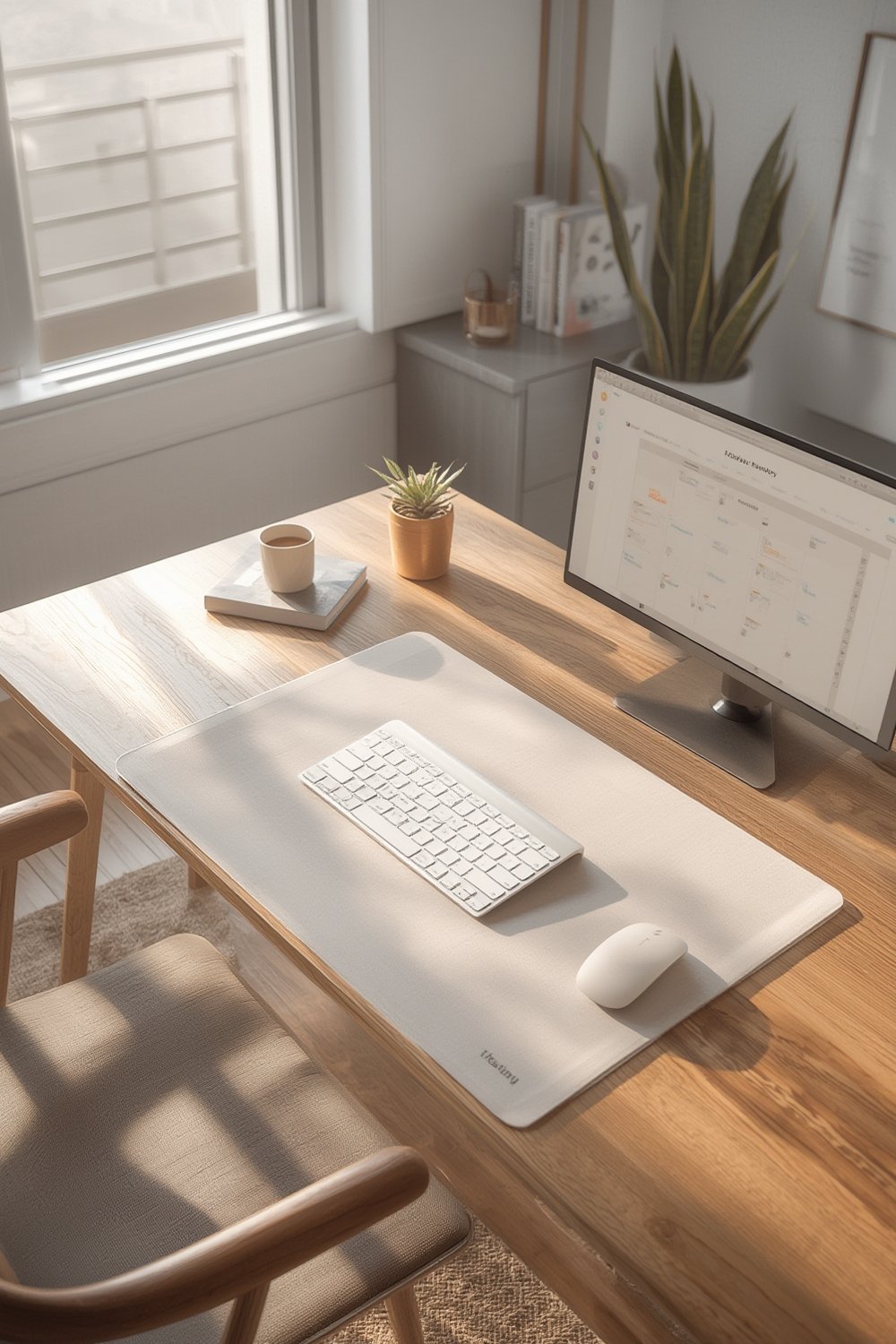
Measure your desk area and workflow. Do you want a pad for fast daily planning (A4), a structured schedule mat for blocking your whole day (A3 or wider), or a full-desk Time Blocking Desk Mat that sits under your keyboard and laptop? Pad too big, and it’ll overwhelm the desk. Too small, and it collects dust. -
Pick Materials for Use (Not Just Looks)
For daily focus desk planners, thicker paper (higher GSM, ideally recycled or FSC-certified) stops pen bleed and feels better. For reusable mats, opt for high-quality erasable surfaces—check user reviews for ghosting complaints. -
Choose a Functional Layout
Look for clear “top 3 priorities,” time-grid or blocks that fit your schedule, and ample “free space” for wildcard notes. Reject layouts that are crowded or purely decorative. -
Design Your Analog-Digital Workflow
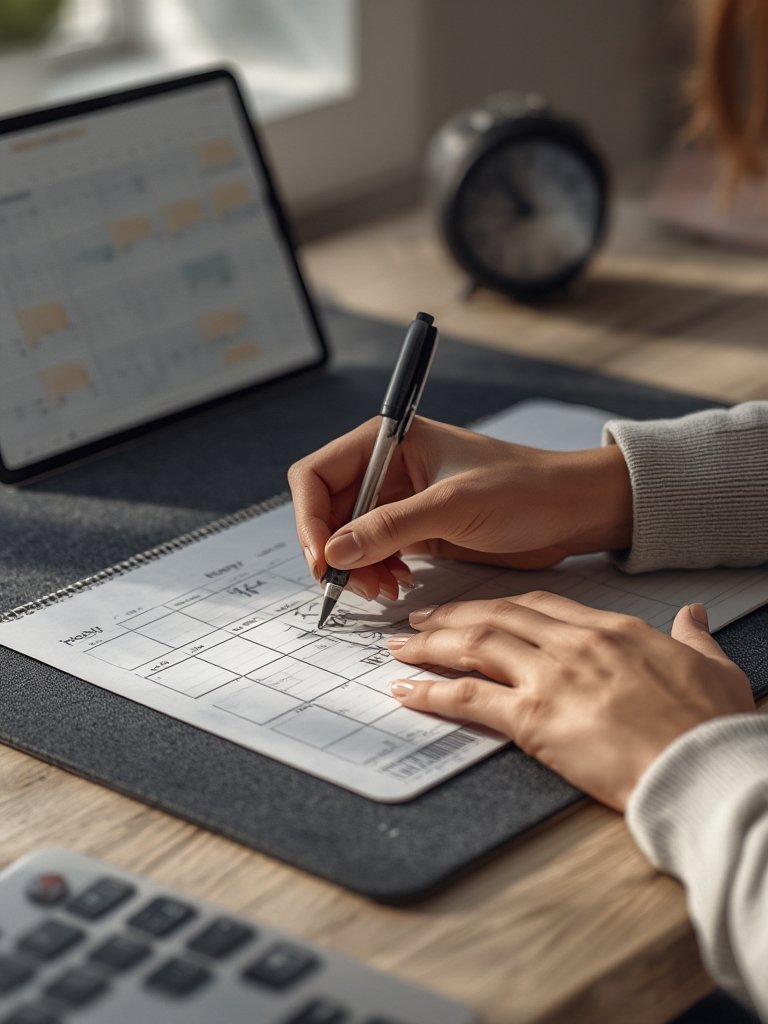
Each morning, transfer your top tasks from digital (Google Calendar, Notion, etc.) onto your pad. Use the desk pad as your “command center” and update midday. Snap a photo at end of day to archive or sync up. -
Build the Habit—the 60–90 Day Rule
Anchor pad use to a daily routine trigger (sit down, power on laptop, update pad). Start with micro-commitments—just block the first hour or jot today’s must-do—so it sticks even when you’re distracted or busy.
-
Track, Review, and Adjust
Each Friday, review last week’s pad pages (or photos). What time blocks or cues worked best? Which layout features did you ignore? Refine your pad and process: cross out unused sections, add sticky notes, or set reminders to continue the streak.
Advanced Analysis & Common Pitfalls: What Reviews (and Market Data) Warn About
The real-world problems are surprisingly common—and mostly avoidable with a smart approach. Here’s what to watch for based on honest user reviews and current industry research (see recent desk pad market trends):
| Problem | How It Happens | How to Avoid |
|---|---|---|
| Size mismatch | Pad covers keyboard tray, blocks drawers, or leaves no writing space; online specs are misleading. | Measure your exact desk space and equipment first. Favor brands with detailed sizing guides or real-user desk photos. |
| Paper bleed or erasability issues | Thin sheets ghost through; reusable mats stain or leave marker shadows. | Choose 90–120 GSM+ for paper; avoid low-end dry-erase. Check reviews for actual pen tests or look for recycled paper with high GSM. |
| Slippage and durability | Mat slides during use or edges fray after weeks; pad backing is too thin. | Look for anti-slip rubber bases or thick, recycled backings. Avoid thin foam or single-layer fabric mats. |
| Over-complex or inflexible layout | Too many prompts, fonts too small, fields don’t match your work times. | Choose minimal layouts with enough white space. If unsure, start with an undated A4 pad or a blank schedule mat. |
| Sustainability/eco complaints | Pads not recyclable, strong chemical smells, or greenwashing. | Look for FSC/recycled certification; avoid vinyl-only mats. Brands hitting 40% eco share in Europe provide a better model (see planner sustainability stats). |
| No digital workflow support | Pad sits unused because it “duplicates” your digital to-do list. | Use downloadables or photo/OCR scanning apps; integrate your desk pad with your Google Calendar check-in. See workflow tips below. |
Most negative reviews point to a mismatch of product to real desk needs, weak build quality, or workflow conflicts. If you struggle with desk clutter, distraction, or abandoning your pad after a few weeks, you are not alone. To make sure your next Productivity Planner Desk Pad isn’t just an “office accessory,” invest in finding the right fit—and in a workflow you’ll actually use.
Conclusion: Confidently Upgrade Your Focus—Today
The workspace and productivity products landscape keeps shifting. But the fundamentals remain: the right desk pad strengthens your daily planning, anchors healthy habits, and bridges the gap between digital distraction and real-world focus. Use market stats and evidence—not just sleek photos—to guide your choice. Avoid common product flaws, craft your hybrid workflow, and give yourself a 60–90 day habit runway. Make your Productivity Planner Desk Pad a daily anchor—not another failed office experiment. Choose strategically, use it daily, review weekly, and unlock better focus—starting now.
Ready to build a desk setup that supports real results? Start your search today. Optimize your whole workspace for productivity with this expert step-by-step ergonomic desk setup guide.
FAQs: Smart Answers Before You Buy
Will a Productivity Planner Desk Pad work with any type of pen or marker?
Most pads use thicker, bleed-resistant paper (90–120 GSM or more), but always check brand specs. For erasable desk mats, look for compatibility with common dry-erase markers and read buyer reviews for ghosting complaints before you buy.
How can I archive and scan my planner pages?
Snap a phone photo daily or weekly—use your favorite notes or cloud storage app. Some brands offer downloadable templates or QR codes to sync with digital systems. OCR scanning apps can pull text for search and cross-app linking.
Is a desk pad really worth it if I already use digital tools?
Yes—if you need stronger cues for time blocking and focus. Desk pads make priorities visual and tangible, offering low-effort habit triggers that complement (not duplicate) digital apps. Integrating analog and digital can improve follow-through, especially in hybrid work environments.
Are there sustainable options for Productivity Planner Desk Pads?
Absolutely. Look for FSC or recycled paper in planner pads, or cork, wool, and natural/recycled rubber backings in desk mats. Nearly 40% of European planners use eco-friendly materials; don’t settle for greenwashing. Always check for credible certifications and real company transparency.
What if I abandon the pad after a few weeks?
It’s normal! Build the habit by anchoring pad use to a daily cue (like “power on laptop, update planner”). Don’t try to fill every section. If you miss a day or two, just restart—never guilt-trip yourself for skipped days. Most habits “stick” after 60–90 days of real-world trial.