

Ergonomics determines much more than comfort—it shapes your physical health, efficiency, and work satisfaction when working from home. If your remote office setup causes nagging neck pain, sore shoulders, tired eyes, or constant adjustments, you’re not alone. Recent research shows that millions of remote workers face similar ergonomic challenges. But fixing your setup doesn’t have to be complicated, expensive, or reserved for those with a designer home office. Here’s what you need to know—and do—about ergonomics in your home workspace right now.
Key Takeaways
- Poor ergonomics cause widespread neck, back, and shoulder pain, especially with non-adjustable furniture and long working hours in remote setups.
- Ergonomic improvements—like an adjustable chair and monitor at eye level—plus purposeful habits (like hourly breaks and changing posture) can significantly reduce discomfort and injury risk.
- Inequities exist: younger and lower-income workers are most likely to struggle with poor home ergonomics, and women experience more frequent pain—practical, flexible solutions are crucial.
- What Is Ergonomics and Why It Matters in Remote Work
- Step-by-Step Guide: Setting Up An Ergonomic Home Office
- Advanced Analysis & Common Pitfalls (With Real Research)
- Conclusion
- FAQ
What Is Ergonomics and Why It Matters in Remote Work
Ergonomics is the science of designing and arranging workplaces so people can work safely and efficiently. In a remote work setting, this means tuning every aspect of a home office—from desk height to chair support—to fit your body and tasks. Many remote roles today involve sitting in front of a screen for hours at a stretch, often in makeshift home setups lacking adjustable equipment or even a separate workspace.
Why does this matter? Recent studies published in 2024 and 2025 confirm a direct link between insufficient ergonomics and spikes in musculoskeletal disorders. These include pain in the neck, shoulders, upper and lower back—the typical trouble spots for remote workers spending too much time in the wrong posture, without support or regular movement. For example, research tracking over 900 home-based employees found that longer work hours and poor workstation setups doubled the risk for new or worsening neck and upper back pain[PMC12039904]. Another scoping review in 2024 connected remote work with increased neck disability and a notable (17 percent) prevalence of stress[JOH].
Beyond pain, bad ergonomics may cause fatigue, eye strain, and poor concentration. Over time, these add up: higher injury rates, more days lost to discomfort, and, for some, serious long-term health effects. That’s why a proactive approach to home office ergonomics is more than comfort—it’s a key investment in your future well-being and productivity.
Step-by-Step Guide: Setting Up An Ergonomic Home Office
Optimizing your remote office is realistic, even if you’re working with limited space, budget, or time. Here’s a proven, research-backed process to get functional results—fast:
1. Assess Your Baseline
Before buying anything, analyze where aches, stiffness, or fatigue show up during your workday. Are your neck and shoulders tense after meetings? Do you shift position every 20 minutes? Make a note. This will help you target bottlenecks first.
2. Adjust Your Chair
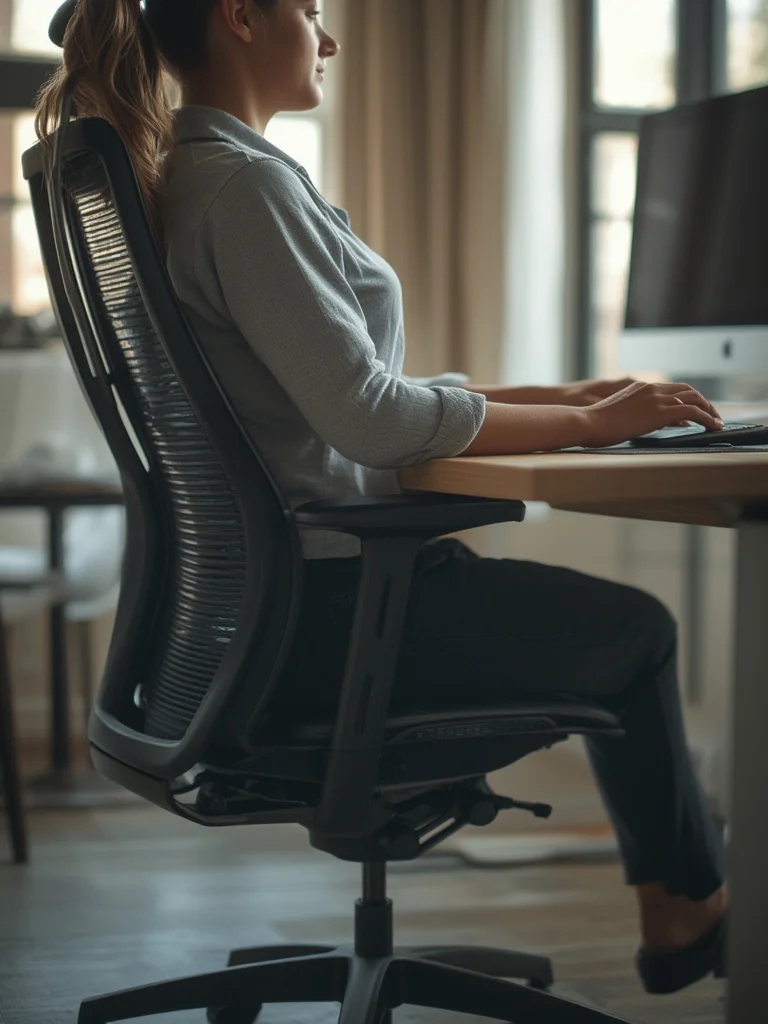
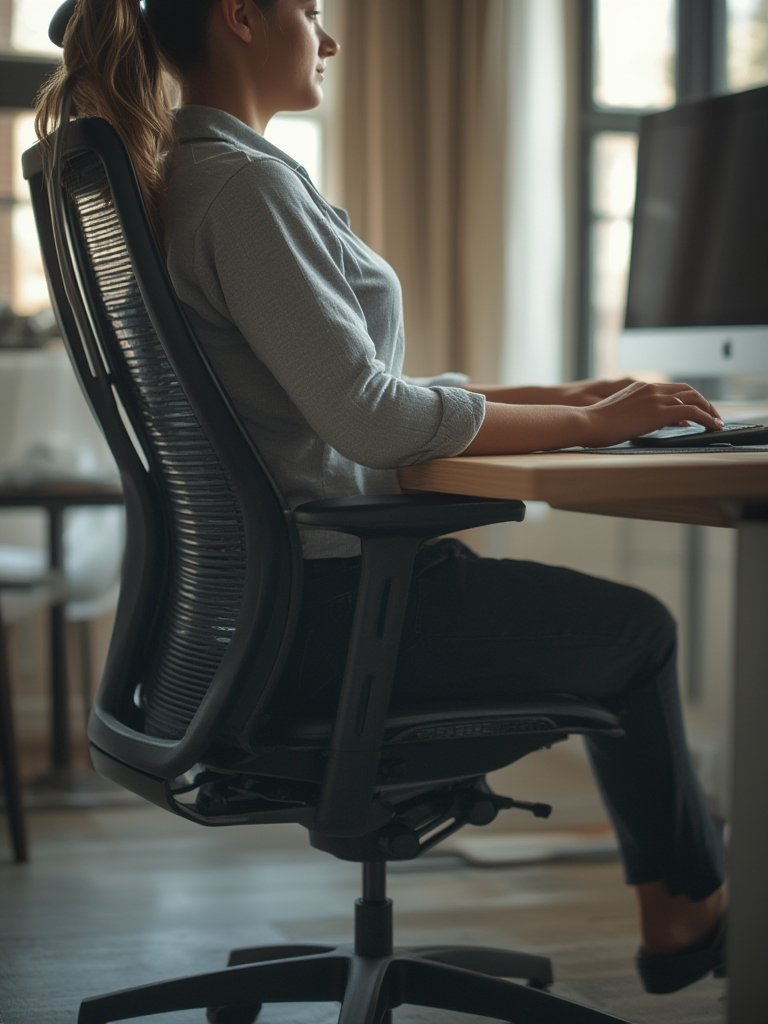
Your chair should support your lower back, let your feet rest flat on the floor, and keep your hips slightly above your knees. If your chair isn’t adjustable, add a small pillow for lumbar support at your lower back and a footrest (a shoebox works in a pinch) under your feet. For detailed advice, see the Ultimate Ergonomic Desk Setup Guide.
3. Desk and Monitor
Place your desk or table at elbow height when sitting upright. Your monitor (or laptop screen) should be at or just below eye level, about an arm’s length away. This prevents hunching and eye fatigue. Use a monitor at eye level, a stack of books, or an external monitor if you can swing it.
4. Keyboard and Mouse
Keep your wrists straight, elbows tucked (about 90 degrees), and shoulders relaxed. If your wrists have to bend, try a slim keyboard, wrist rest, or a rolled-up towel. Avoid reaching for your mouse—keep it close and level with your keyboard.
5. Take Regular Breaks and Move
Research shows that standing, stretching, or walking every hour dramatically reduces risks for joint pain and muscle fatigue. Set a timer or use posture tracking wearables (learn more about digital posture trainers) to prompt healthy habits.
6. Organize and Personalize
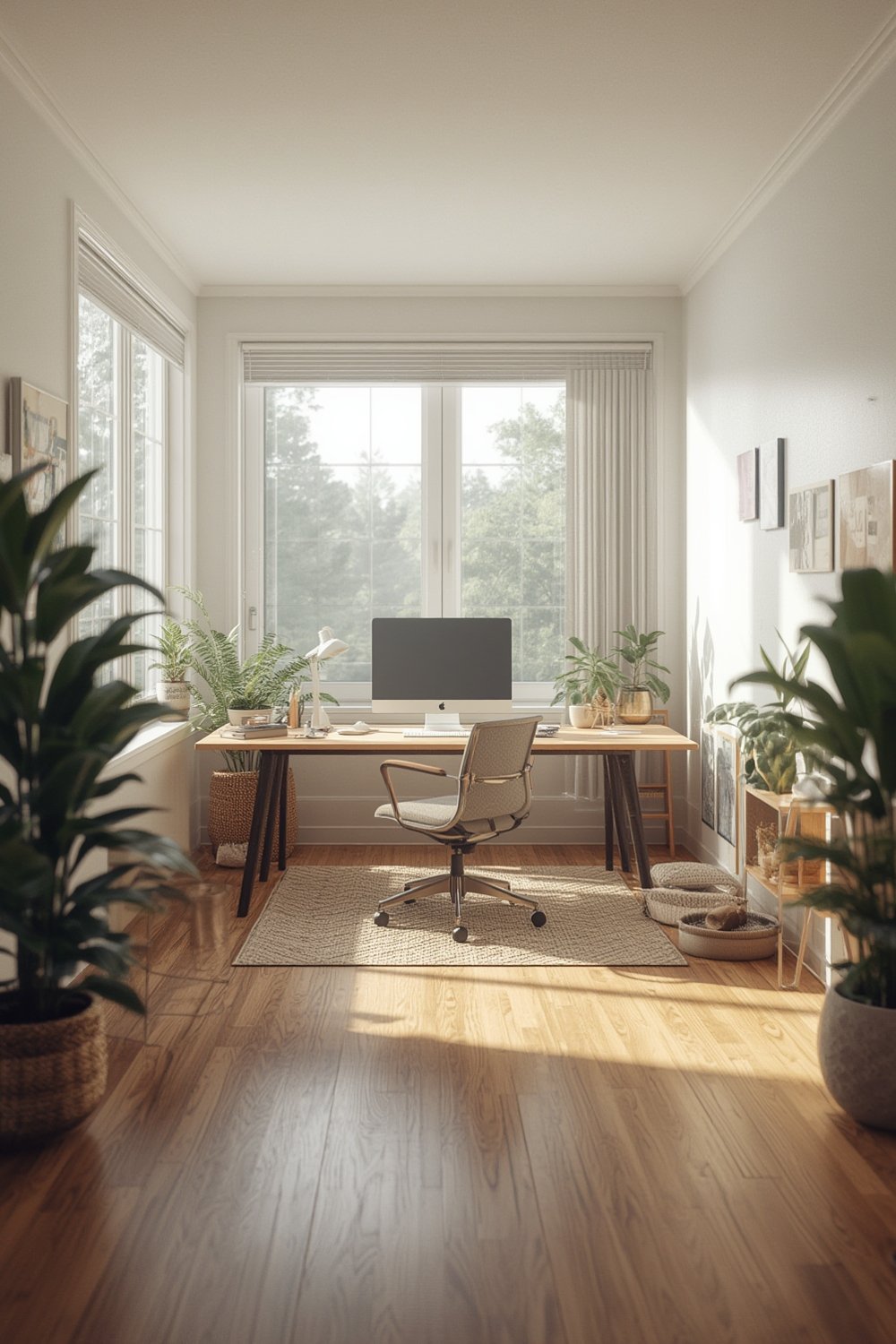
Ideally, dedicate a separate room or nook for work—this reduces distractions and pain risks, as studies show[PMC12039904]. Even in shared spaces, tidy up cables, lighting, and supplies for a safer, more focused workflow.
7. Cycle Posture Throughout the Day
Sit, stand, stretch, and change posture often. Use reminders, apps, or even a written checklist. Incorporating smart sit-stand desk strategies will help (see simple steps here).
Advanced Analysis & Common Pitfalls (With Real Research)
The reality of improving ergonomics at home isn’t always straightforward. It’s important to anticipate roadblocks and know where shortcuts can actually hurt your well-being.
Most Overlooked Ergonomic Risks
- Socioeconomic barriers: Many younger or lower-income workers lack access to ergonomic chairs, desks, or even a dedicated workspace. Studies show these workers are more likely to develop musculoskeletal problems and have little control to fix their setups[SJWEH].
- Gender differences: Multiple sources indicate that women have >50% prevalence of pain across most body regions and also shoulder a greater burden of longer work-from-home hours[Theseus Thesis].
- Longer-term impact: Pain and disability increased during the COVID-19 remote work surge, and new research shows these trends have persisted well beyond the pandemic[JOH].
What Actually Works—and What Doesn’t
| Action | Proven Benefit | Potential Downside |
| Adjustable chair | Lower back, neck, and shoulder pain reduced | Can be costly; affordability gap |
| Monitor at eye level | Less neck flexion, fewer headaches | Improper monitor arms may wobble or fail with heavy screens |
| Sit-stand desk (or makeshift elevation) | Increases movement, cuts fatigue | Not always practical in small homes; DIY solutions may be unstable |
| Posture tracking wearable [see guide] | Real-time feedback for better posture habits | Device notifications can become distracting or ignored |
| Dedicated workroom/area | Protective against pain and distractions | Not feasible for everyone; space and cost limits |
| Regular breaks/stretching | Major drop in pain and stiffness | Requires discipline; easy to forget when busy |
It’s also important to avoid substituting proper equipment with poorly considered hacks. For instance, using a dining chair for hours daily may seem “good enough,” but often leads to new pain points. Likewise, stacking a heavy monitor on unstable items can be a safety hazard. Focus on sustainable, smart solutions—invest in an adjustable chair if possible, use a legitimate monitor stand, and create a system of breaks and movements you actually follow.
Want a complete three-step setup walkthrough? Explore our step-by-step ergonomic desk setup guide for visuals and shortcuts suited to any home office.
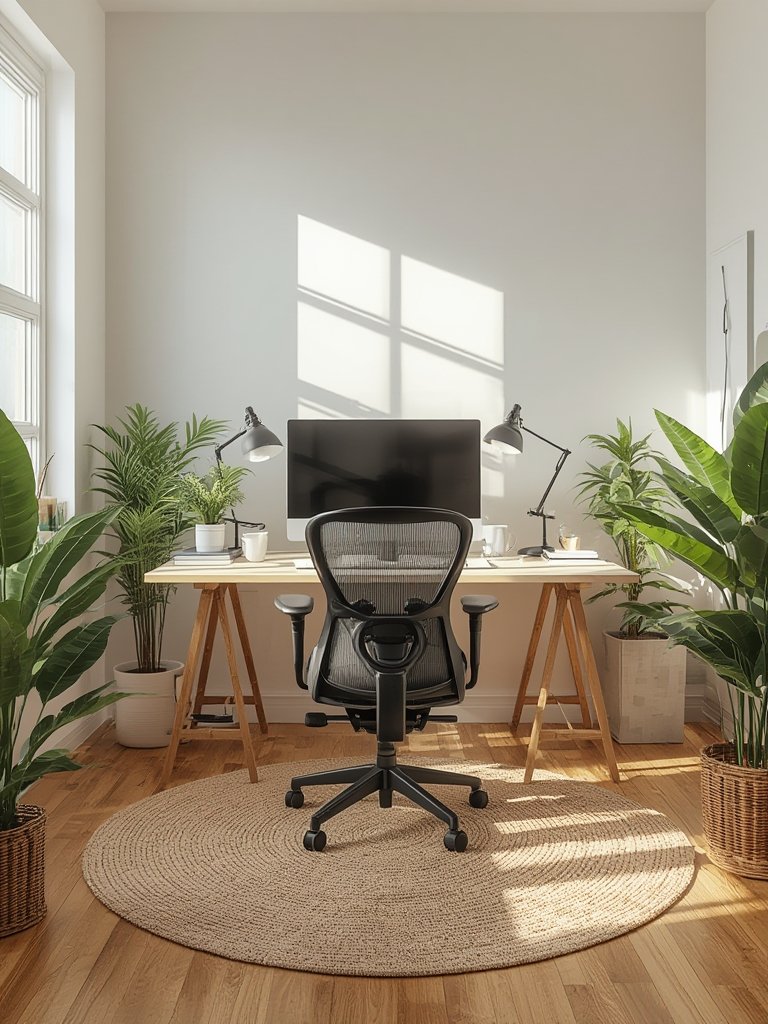
Conclusion
Remote work can blur the line between comfort and chronic pain, but you can reclaim your health and efficiency by applying the core principles of ergonomics. The science is clear: even small, affordable changes—like improving your seat, raising your monitor, or sticking to hourly movement—cut your risk of musculoskeletal issues and fatigue. Recognize the social and economic hurdles that may stand in your way, and make upgrades that realistically fit your unique space and budget. Apply what you’ve learned on ergonomics today and start feeling the difference tomorrow.
Ready for next-level tips? Get inspired with our guide to smart standing desks and posture wearables, or dive straight into the ultimate ergonomic desk setup walkthrough. Your future self will thank you.
FAQ
What is the most common ergonomic injury among remote workers?
Neck, shoulder, and upper back pain are the most reported injuries, with research showing that poor home setup and long hours may double the odds of these issues. Women in particular experience higher prevalence compared to men.
How often should I take breaks from my home workstation?
For optimal ergonomics, take a brief movement or stretch break at least once every hour. Research shows this reduces the risk of stiffness and musculoskeletal pain.
Does a sit-stand desk really help, or is it hype?
Alternating between sitting and standing throughout the day improves circulation, reduces fatigue, and helps maintain good posture. However, standing too long or using unstable makeshift solutions can backfire. Try to mix both, and use stable furniture only.
I can’t afford office furniture. What can I do for better ergonomics?
Use a pillow for lumbar support, rest your feet on a box, raise your screen with books, and build in hourly movement breaks. The key is regular posture change and mindful adjustments, regardless of your budget.
Do posture tracking wearables really make a difference?
They can help build awareness and healthier habits by reminding you to move and correct your posture, especially if you tend to forget. Learn more in our posture tracking wearable guide.