



Hybrid Work Transition Kit is rapidly becoming essential as hybrid work reshapes how millions approach productivity, comfort, and health in 2024. If the back-and-forth between home and office feels like a logistical headache, and you want to avoid common pitfalls—this guide cuts through the noise and lays out exactly what you need to make your hybrid setup seamless and sustainable.
Key Takeaways
- A proper Hybrid Work Transition Kit should be portable, ergonomic, and compatible with various office/home setups.
- Common transition mistakes include overpacking, poor ergonomic choices, and ignoring durability or warranty policies.
- Following this guide ensures a smoother transition, while integrating best ergonomic desk practices proven to boost comfort and focus.
- The Core Concept: What Is a Hybrid Work Transition Kit and Why Does It Matter?
- Step-by-Step Guide: Building Your Ideal Hybrid Work Transition Kit
- Advanced Analysis & Common Pitfalls
- Conclusion
- FAQ
The Core Concept: What Is a Hybrid Work Transition Kit and Why Does It Matter?
A Hybrid Work Transition Kit is a curated set of portable ergonomic and tech accessories designed for workers who alternate between home and office. Its purpose is to maintain consistency in comfort, productivity, and health, regardless of location. With 53% of US employees engaging in hybrid work as of Q2 2024, and over 27% regularly splitting their week between home and workplace [source], the need for reliable, portable tools is more urgent than ever.
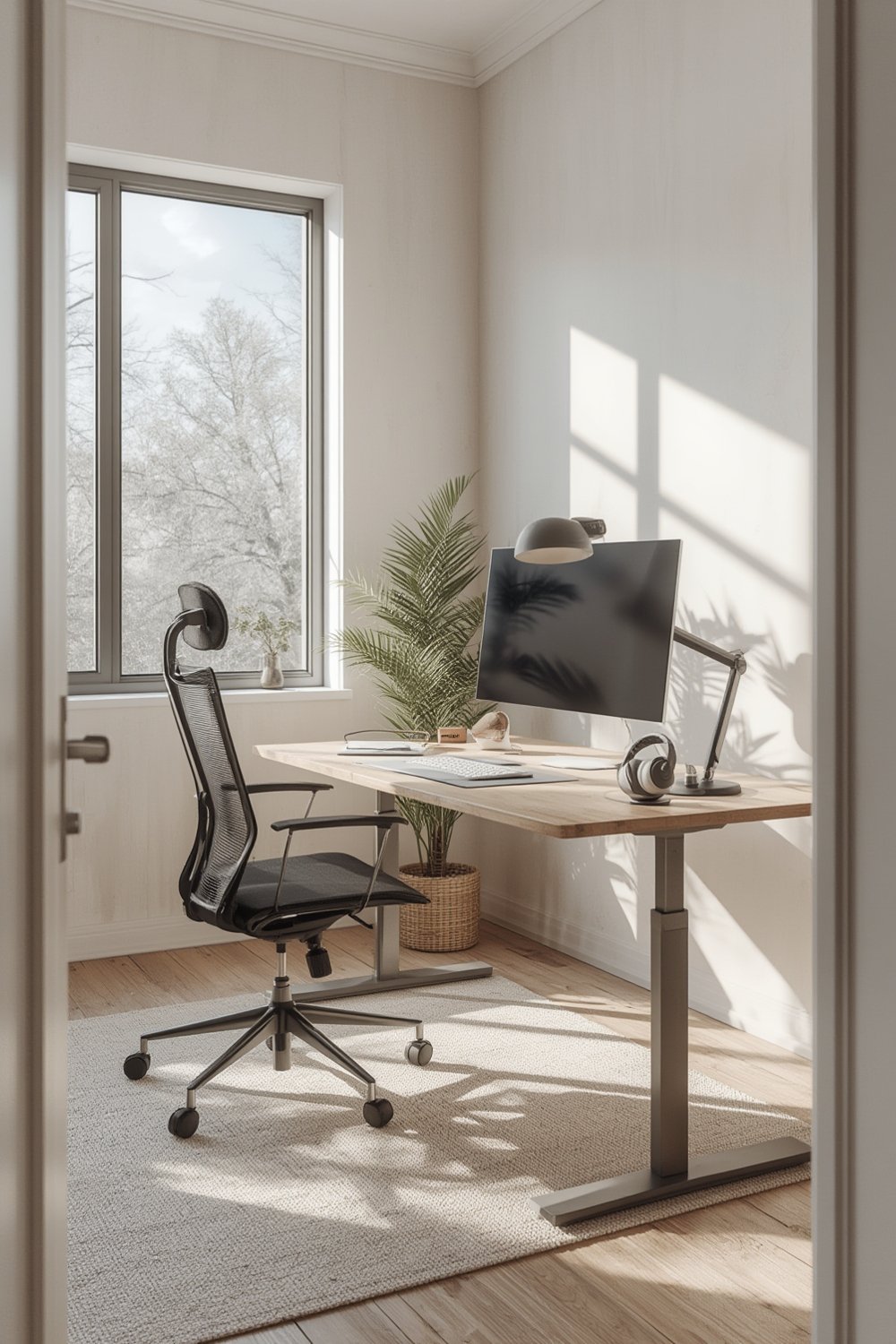
Without a transition kit, you risk sacrificing ergonomics, productivity, and even device compatibility each time you switch locations.
Rushing this process can lead to back pain, wasted set-up time, or lost productivity—a real problem considering that 90% of hybrid workers report equal or improved productivity with well-organized setups.
A good kit adapts to both environments, bridges tech gaps, and leverages proven ergonomic solutions. For a deep dive on setting up for comfort and focus, see our Ultimate Ergonomic Desk Setup Guide.
Step-by-Step Guide: Building Your Ideal Hybrid Work Transition Kit
Creating a dependable kit involves more than tossing a mouse and keyboard into your bag. Below, you’ll find a structured process to build a portable setup that delivers comfort and productivity wherever you work.
- List Your Daily “Must-Haves”: Start with core items—laptop, charger, wireless mouse, compact keyboard, and noise-canceling headphones. Work from a prioritized list so nothing vital gets forgotten.
- Integrate Portable Ergonomics: Include foldable laptop stands, a travel mouse pad, compact lumbar support, or a portable footrest. These make a real difference, especially for spinal alignment (learn more on posture tracking wearables).
- Check Device Compatibility: Use universal USB-C charging units, Bluetooth accessories, and adapters to work across both office and home gear seamlessly. Test every item at both locations before relying on it for critical work.
- Control Power Access: Reliable, compact surge protectors or power banks solve desk shortages in coworking or older office setups.
- Bag Matters: Choose a padded, organized backpack or tote with separate tech compartments—it protects your investment and speeds up transitions.
- Consider Health Tools: If you have posture issues or recurring discomfort, portable posture tracking wearables (see our guide) can help reduce long-term problems.

- Optional, but Helpful: Blue-light blocking glasses, a dedicated notebook for quick notes, and compact cable tie sets.
Whenever possible, choose gear that can remain packed between uses. Repacking each day increases the likelihood of leaving behind essential items. For productivity and comfort hacks with detailed setup instructions, review our ergonomic workspace techniques.
Advanced Analysis: Optimizing Your Hybrid Work Transition Kit
Based on available research, several recurring problems and content gaps appear when users assemble their own kits or follow other online guides. Here’s what to look out for, including overlooked features that truly matter.
| Category | Common Pitfall | Best Practice |
|---|---|---|
| Weight & Portability | Overpacking, leading to aching shoulders and slow transitions | Choose lighter, multi-purpose gear; stick to true essentials |
| Ergonomics | Ignoring posture risks; developing neck or wrist strain | Include foldable stands, footrests, and lumbar supports (see proven methods) |
| Compatibility | Carrying accessories that don’t fit/integrate with workplace systems or tech | Test all devices in advance at each work location |
| Durability & Warranty | Buying cheap accessories that fail after a few commutes; unclear return policies | Prioritize gear with clear warranties and strong vendor support |
| Cost Breakdown | Overspending on features not used, ignoring quality for price | Balance upfront cost with health benefits and warranty terms |
Despite a lack of direct data on customer complaints for portable kits, common user frustrations (gleaned from broader hybrid work statistics) include increased day-to-day costs—hybrid workers spend about $61 per office day, up from $51 last year. This underscores the need to select equipment that is both durable and cost-effective, not just the cheapest option available.
A major content gap in most online guides is the absence of return policy comparisons or setup compatibility guides. By focusing on adjustable and multi-compatible tech—like universal chargers and wireless accessories—most users can avoid last-minute workplace headaches.
If you already have ergonomic issues or back pain, research strongly points to the importance of integrating posture improvement tools (see our proven standing desk strategies).

Conclusion
As hybrid work becomes standard, investing in a personalized Hybrid Work Transition Kit is less a luxury and more a necessity. With over 53% of US employees living the hybrid life, the right kit prevents ergonomic mistakes, wasted set-up time, and lost productivity.
Choose lightweight, portable, and durable items that work at home and office, check for compatibility, and revisit ergonomic best practices often. Outdated, bulky kits just aren’t worth the back pain. Ready to build your ideal Hybrid Work Transition Kit? Dig deeper into ergonomic setups here or optimize your posture approach for a healthier, more productive work routine.
Don’t wait until discomfort ruins your workday—start assembling your Hybrid Work Transition Kit now and reclaim focus and comfort wherever you work.
FAQ
What should be included in a basic Hybrid Work Transition Kit?
A solid kit has a laptop, compact keyboard, wireless mouse, universal charger, portable laptop stand, power bank, and basic ergonomics like foldable footrests and lumbar support. Tailor for your needs and test everything at both workspaces.
How much does a Hybrid Work Transition Kit typically cost?
Costs vary. Basic kits can start at $150-$250, while full-featured or brand-name ergonomic gear can go up to $400+—but always factor durability and warranty, not just upfront price.
Are there health benefits to portable ergonomic setups?
Yes. Consistent use of ergonomic accessories (stands, posture tools) helps maintain back and neck health when constantly switching locations. See our guide on posture tracking wearables for evidence-based benefits.
How do I avoid forgetting something important?
Keep a checklist on your phone and stick to equipment that can remain in your bag. Using a modular, organized backpack or tote makes transitions a habit, not a hassle.
What if my company provides different equipment at each office?
Focus your kit on items not always available—laptop stand, personal input devices, charging cables, and compact ergonomics. Always test for compatibility. For a more detailed approach, review our ergonomic desk setup recommendations.