

Work Cafe Home Office setups are changing how we think about productivity, collaboration, and well-being in hybrid and remote work environments. Instead of sterile desks or distracting sofas, workers are blending the comfort of a café with the structure of a professional office right at home. This guide pulls together the latest data, actionable steps, and honest pitfalls so you can design a social yet focused workspace—and avoid the common traps many overlook.
Key Takeaways
- Work Cafe Home Office designs improve productivity, well-being, and satisfaction for most users, but healthy boundaries and intentional collaboration zones are crucial.
- No official standards exist (as of 2024), but ergonomic best practices, intentional zoning, and thoughtful coffee station integration are essential for daily comfort and professional effectiveness.
- Many people underestimate technical challenges like acoustics, device clutter, and layout, leading to reduced efficiency or lingering distractions.
- The Core Concept: What Is a Work Cafe Home Office and Why Try It?
- Step-by-Step Guide: Creating Your Work Cafe Home Office Setup
- Advanced Analysis & Common Pitfalls
- Conclusion & Next Steps
- FAQ: Work Cafe Home Office Design
The Core Concept: What Is a Work Cafe Home Office and Why Try It?
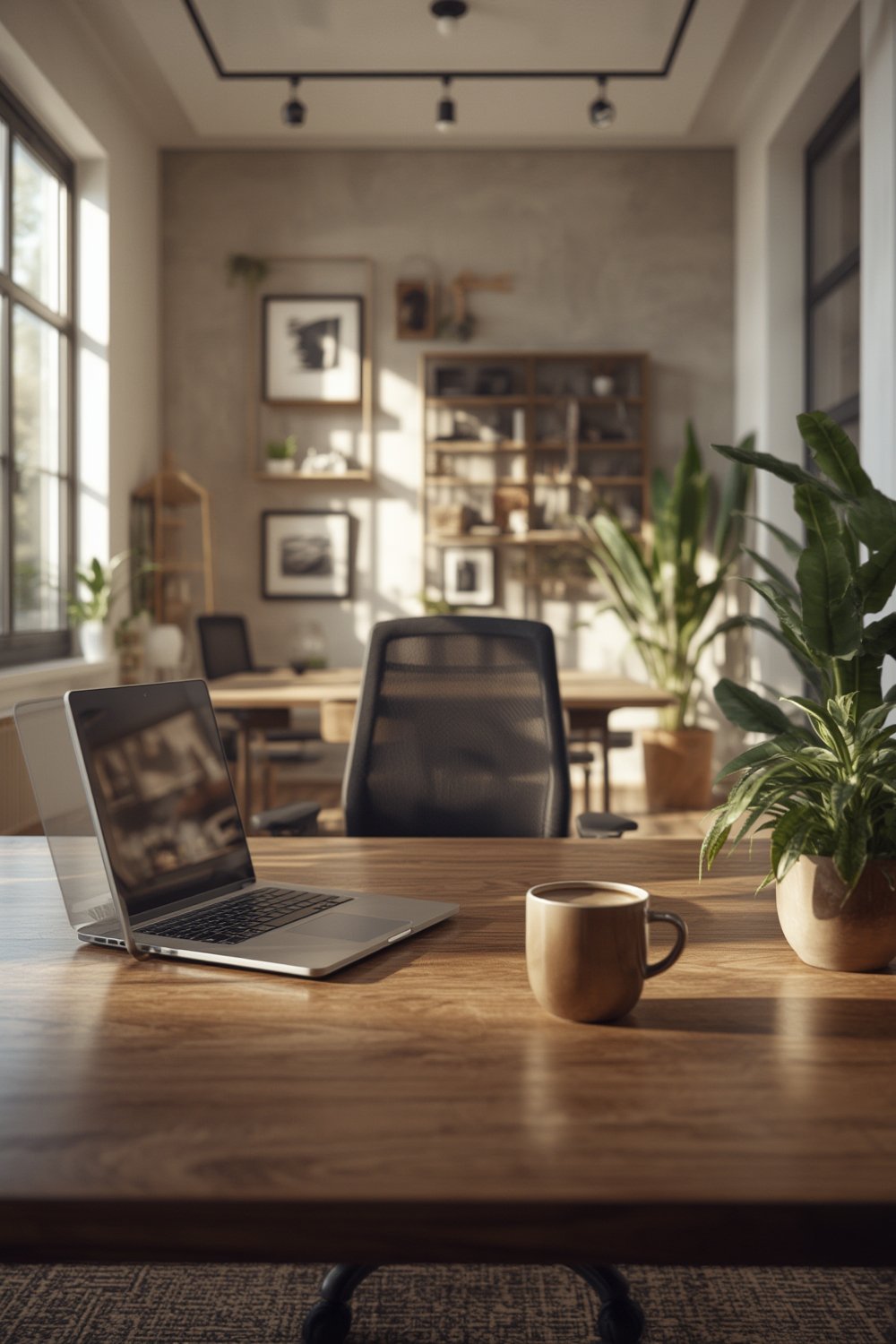
A Work Cafe Home Office is more than a trend—it’s a response to the need for both structure and social energy at home. Typical setups combine a main workstation with a dedicated area for lite socialization, casual meetings, and, of course, an inviting coffee station. This hybrid zone balances focused solo work and casual, creative moments, much like the vibe of your favorite local coffee shop.
The motivation is real. According to recent productivity studies, 61% of workers felt more productive at home in 2024. Job satisfaction climbed for remote workers vs. on-site, and improved well-being was consistently reported. The Work Cafe Home Office aims to combine these positives with the social energy missing from most home offices.
However, this flexibility brings new challenges—blending personal comforts with professional boundaries, optimizing acoustics, and controlling clutter from both work and social setups. Most users want their space to inspire without distracting, and finding that balance is the secret to making this concept work.
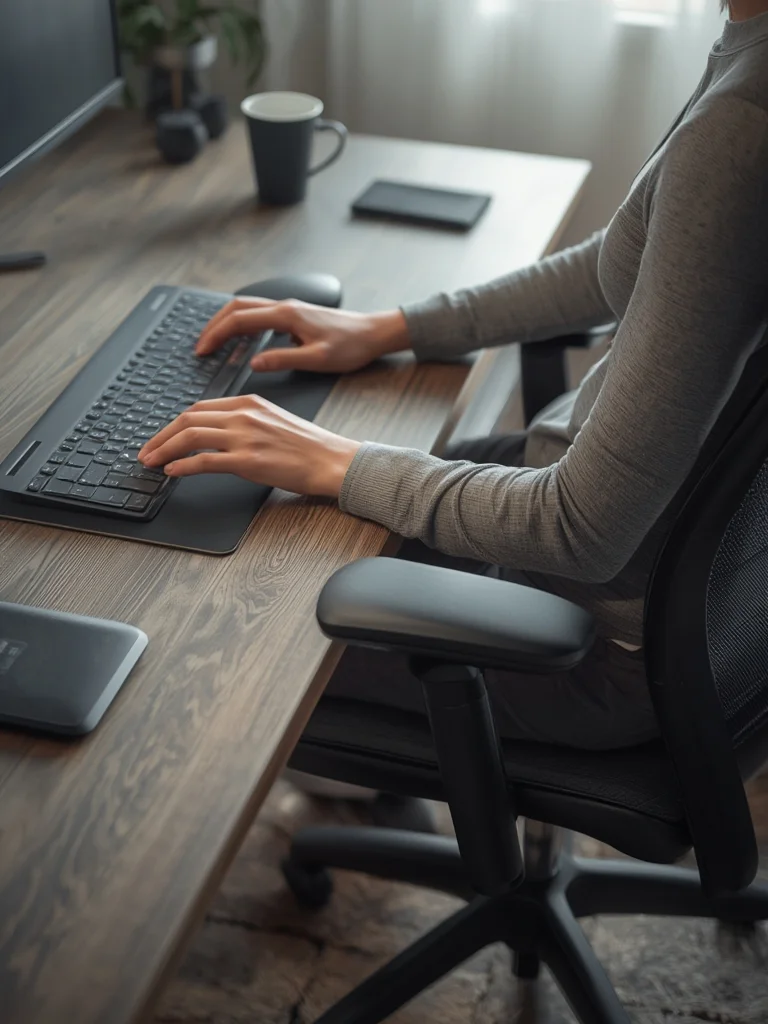
Social interaction, flexible working postures, and ergonomic habits are core elements of the design. If you want to fine-tune your workstation basics before diving in, check out The Ultimate Ergonomic Desk Setup Guide for a concise, actionable foundation.
Step-by-Step Guide: Creating Your Work Cafe Home Office Setup
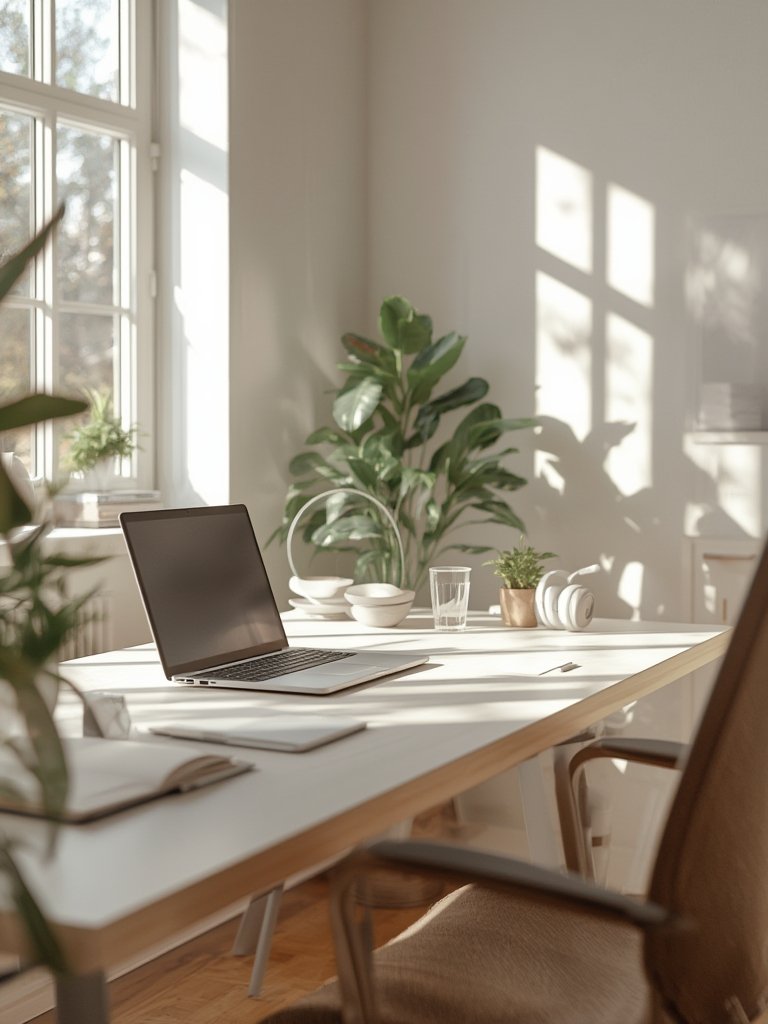
Designing a Work Cafe Home Office means thinking about layout, ambiance, comfort, and workflow. Here’s how to bring café vibes and collaboration-ready energy to your workspace—without losing professional edge.
- Assess Your Space and Noise Levels
Choose an area with natural light and low foot traffic, but not total isolation. Use rugs, bookshelves, or curtains to create sound zones and reduce echo. Try a white noise machine if nearby appliances or outdoor noise are an issue.
Learn how posture-friendly desks boost focus even in busy environments - Pick Your Desk and Social Seating
Use an L-shaped desk or two adjacent tables: one for your main work and another for group work or relaxed laptop sessions. Add a couple of café-style chairs, or a small bench for visitors and video calls.
Optimize desk heights and seating for comfort and collaboration - Create a Real Coffee Station
For true café energy, integrate an espresso machine, quality grinder, and a small fridge for milk and other essentials. Choose compact appliances if space is tight. Include a mug rack, organizers for tea/coffee, and easy-to-clean surfaces. Average total cost in 2024: $350-$1200 depending on machine type and add-ons. - Control Your Lighting and Atmosphere
Use layered lighting: cool task lights at your desk, warm-tone lamps or string lights in your coffee/collab zone. This instantly signals your brain when to focus versus relax or chat. - Manage Clutter and Tech Logistics
Use cable trays, zip ties, and labeled bins to separate work tools from social/coffee gear. Avoid mixing these zones, or your main desk will get messy fast. Consider a hidden outlet strip or wireless chargers for a clean look. - Encourage Natural Collaboration
Add a small writable board, creative supplies, or comfy chairs nearby to make casual idea sharing easy. If you do frequent video calls, hang a backdrop behind your coffee seating for pro meetings.
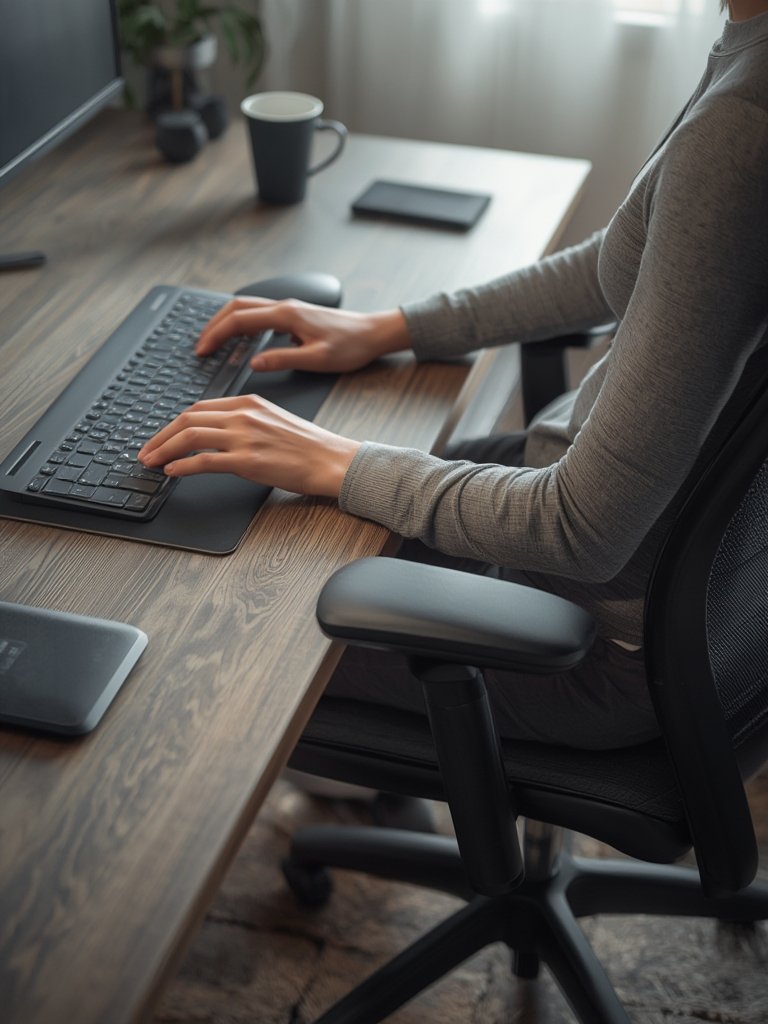
Want to further improve your comfort and focus at the desk? Our guide to Posture Tracking Wearables explains how wearable tech helps you stay active and aligned amid longer café-style sessions.
Remember: the specific technical guidelines for integrating coffee stations—in terms of acoustics, layout, and lighting—aren’t standardized. Test your layout and chair placement for a week and tweak the lighting or sound controls as needed. Document what works (and what doesn’t) for your unique space.
Advanced Analysis & Common Pitfalls
Despite the popularity of Work Cafe Home Office setups, several recurring problems can undermine their benefits. Based on the latest research and home office surveys, here are the top issues, along with comparisons of simple versus advanced solutions.
| Problem | Description | Simple Fix | Advanced Solution |
|---|---|---|---|
| Acoustic Distraction | Coffee machines, grinders, and social zones create background noise that interrupts calls or deep focus. | Time coffee breaks for non-call hours. Use soft furnishings or rugs. | Add sound-absorbing panels or a compact “hush” booth for critical calls. |
| Messy Workspaces | Equipment and mugs creep onto main desks, causing clutter and reduced focus. | Daily reset habit. Use trays for mugs and supplies. | Install cabinets or rolling carts with zoned compartments. |
| Blurry Work-Life Lines | Social vibes lead to multitasking, fragmented work, and lower quality breaks. | Defined work hours and visual cues (e.g., lamp color). | Physical dividers, scheduled “open café” hours, digital focus timers. |
| Collaboration Drop-off | Home setups lack spontaneous hallway chats, lowering team innovation (by up to 8-19% productivity per studies). | Daily video check-ins or group coffee breaks. | Virtual whiteboards, dedicated “coffee hours,” or inviting neighbors/colleagues for hybrid sessions. |
| No Industry Standards | Lack of ergonomic or layout guidelines leads to trial-and-error fatigue and inconsistent results. | Follow basic ergonomic desk and chair advice, adjust as needed. | Consult up-to-date resources like ergonomic desk setup guides. |
Want deeper ergonomics? See our Smart Standing Desk Guide
for actionable strategies linked to posture, comfort, and focused work—even in café-inspired spaces.
Conclusion & Next Steps
The Work Cafe Home Office concept is flexible, inspiring, and practical—when executed with awareness of its challenges. Statistically, remote and hybrid workers report higher productivity and well-being, but only with intentional boundaries and designs that prevent acoustic, organizational, and collaborative bottlenecks.
Borrow café ambiance, but don’t compromise your professional focus. Invest in ergonomic furniture, use zone-based layouts, and keep your coffee station practical. Always iterate on your setup and seek out new resources to optimize both comfort and output as your needs evolve.
Ready to revamp your home workspace? Review our in-depth Ergonomic Desk Setup Guide for further tips, or experiment with posture-improving tech in this Smart Standing Desk guide. Start building your Work Cafe Home Office today—your well-being will thank you.
FAQ: Work Cafe Home Office Design
Does a Work Cafe Home Office really improve productivity?
Yes, for many people. Studies show that remote and hybrid workers often report higher productivity, but success depends on clear zoning, healthy boundaries, and ergonomic design.
How much does it cost to set up a Work Cafe Home Office?
Expect to spend between $700 and $2,500, depending on your choice of furniture and coffee equipment. Even small investments in ergonomic essentials can pay off in comfort and efficiency.
Is there an official standard or certification for these setups?
No, as of 2024, there are no specific industry standards or certifications. Following current ergonomic best practices and regularly updating your space is recommended.
How do I handle noise issues from the coffee area during calls?
Time coffee breaks to avoid meeting overlaps, use rugs or sound panels to absorb noise, and consider a portable divider if needed. Small acoustic tweaks can make a big difference.
How do I keep work and leisure zones from blending too much?
Visually separate spaces with lighting, furniture, or décor. Use defined work hours and set rules for when each zone is “open” to reduce multitasking and maintain healthier boundaries.