



Modular Workspace Furniture is fundamentally reshaping offices by offering flexibility and real scalability for teams of any size. If your company needs to adapt quickly, wants to make every square foot count, or aims to improve employee wellbeing, this post breaks down exactly what to consider, actionable setup strategies, and the real-life drawbacks you need to know—without glossing over the tough spots.
Key Takeaways
- Modular workspace furniture adapts quickly to different team sizes and purposes, making it perfect for hybrid and growing companies.
- Common pitfalls include inconsistent quality, complex reconfiguration, and cleaning or tech integration challenges—plan ahead to mitigate these.
- Feature-rich systems improve employee comfort and collaboration, but setup and cost details need careful attention.
- The Core Concept: What Is Modular Workspace Furniture & Why Should You Care?
- Step-by-Step Guide: Planning and Implementing a Modular Workspace
- Advanced Analysis & Common Pitfalls
- Conclusion
- FAQ
The Core Concept: What Is Modular Workspace Furniture & Why Should You Care?
Modular workspace furniture is designed for rapid adaptation: think clusters of desks that break apart, partitions on wheels, or storage units that double as mobile meeting space. The main advantage is flexibility—modern offices aren’t static, so your furniture shouldn’t be either.
With real estate costs at an all-time high, modular systems are more relevant in 2024 than ever. They aren’t just about saving space—they also make it easier to reconfigure a space for collaboration, private work, or meetings, reducing downtime and boosting productivity.
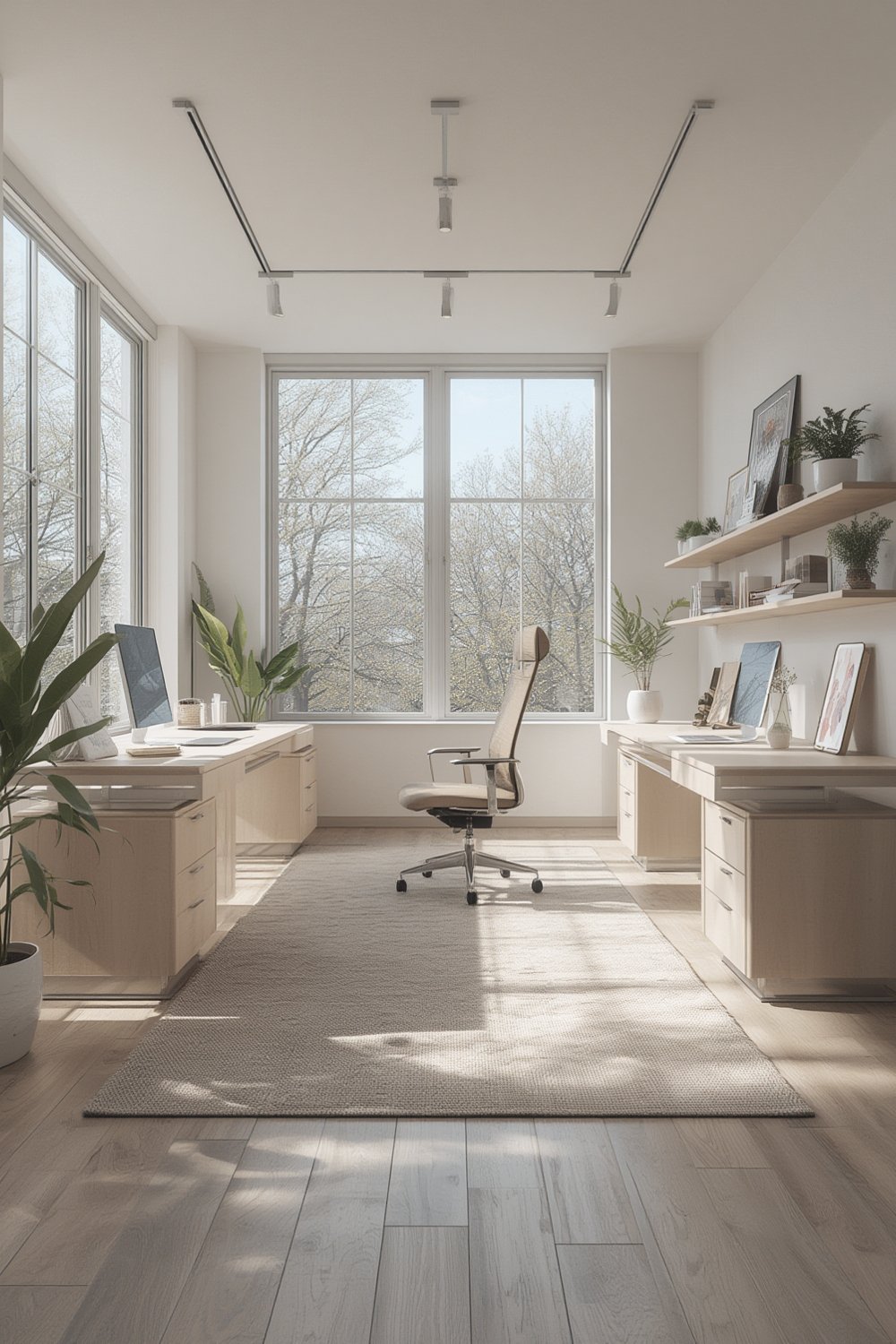
Beyond layout flexibility, current trends point toward systems that support employee wellness with height-adjustable desks, promote sustainability through recyclable materials, and seamlessly integrate technology—think IoT-equipped smart desks with built-in charging. Leading brands like Steelcase and Herman Miller are pushing the envelope here (see this market overview).
Even better, regions like North America and Europe lead in sustainable, design-driven adoption, while Asia-Pacific—especially China and India—is experiencing the fastest growth, powered by urbanization and expansion of the tech industry (trend data).
If you want a modular setup that truly enhances work, you should also check your overall ergonomic workstation—both impact health and productivity.
Step-by-Step Guide: Planning and Implementing **Modular Workspace Furniture**
- Assess Your Actual Needs and Current Workspace Limitations
Start by analyzing team sizes, workflows, and types of activities (collaborative spots vs. private focus areas). Map your existing space to see where it’s underutilized or inflexible. Make notes on must-have features like partition desks, quiet zones, or mobile power access. - Choose Flexible, Compatible Systems
Look for systems with universal connectors and lightweight, durable materials—avoid heavy or single-purpose items. Prefer height-adjustable desks for ergonomics and modules with cable management or built-in power sources for easy tech integration. - Plan for Real Change, Not Just Rearrangement
Map several configurations: daily work, team workshops, and all-hands meetings. Ensure you can reconfigure with minimal downtime and effort—if a single move requires a facilities team, it’s not modular enough. - Deploy in Stages and Measure Outcomes
Roll out modular elements in key zones first (hot desking or lounge areas). Get feedback from employees and measure usage by observing occupancy, team movement, and collaboration frequency. This is the best time to involve managers with a focus on the actual productivity tips that come with flexible setups. - Monitor Cleaning, Maintenance, and Wear
Many neglect upkeep, but moving parts and connectivity can quickly wear. Set clear Cleaning and Maintenance schedules and track warranty coverage or service response times.

To keep motivation high for new habits (like intermittent standing), consider supporting your modular approach by integrating wearables—see the smart standing desk guide for more on productivity tech.
For areas where posture and back health are top concerns, modular furniture combined with a posture tracking wearable can make a tangible impact.
Advanced Analysis & Common Pitfalls
While Modular workspace furniture is billed as a cure-all for modern offices, real users hit consistent snags:
- Inconsistent build quality – Not all “modular” systems are created equal. Some brands skimp on hardware or materials, resulting in wobbly units or rapid wear—something reviews rarely highlight up front.
- Difficulty with True Reconfiguration – The promise is easy reconfiguration, but bulky modules or non-intuitive locks mean rearranging can require multiple people and tools. If layouts change weekly, this becomes a pain point fast.
- Tech Integration Gaps – Smart desks with power and charging sound great—until you discover the add-ons are proprietary or the charging ports are poorly located. Verify connectivity ahead of purchase.
- Cleaning and Maintenance Oversights – Partition desks and cluster modules collect dust and clutter in hard-to-reach spots. Lightweight fabrics and engineered wood panels can also show wear or stain more easily than traditional desks.
- ROI is Hard to Track – Few office managers can point to clear metrics after upgrading to **modular workspace furniture**.
- Productivity improvements are often anecdotal unless you plan baseline measurements of collaboration, layout usage, and employee wellness before and after deployment.
A direct side-by-side can clarify priorities:
| Feature | Benefit | Typical Pitfall | What to Check |
|---|---|---|---|
| Lightweight Modular Desks | Easy to move and reconfigure | Durability issues, wobbly support | Material specs, stability tests, weight limits |
| Height Adjustable Modules | Supports wellness, adaptable for users | Motor failure, noisy adjustment, spotty warranties | Warranty period per part, user reviews |
| Integrated Tech | Charging, data, smart office features | Proprietary systems, poor cable management | Standard ports, open compatibility, accessible locations |
| Partitions/Acoustics | Customizable privacy, noise control | Collects dust, damage over time | Easy-clean surfaces, modular covers |
Many companies rush to buy before checking specs—look for clear details on material standards, warranty periods, and expected reconfiguration time (most markets lack transparency, so request extra documentation wherever possible and cross-reference with credible reviews or the latest industry updates).
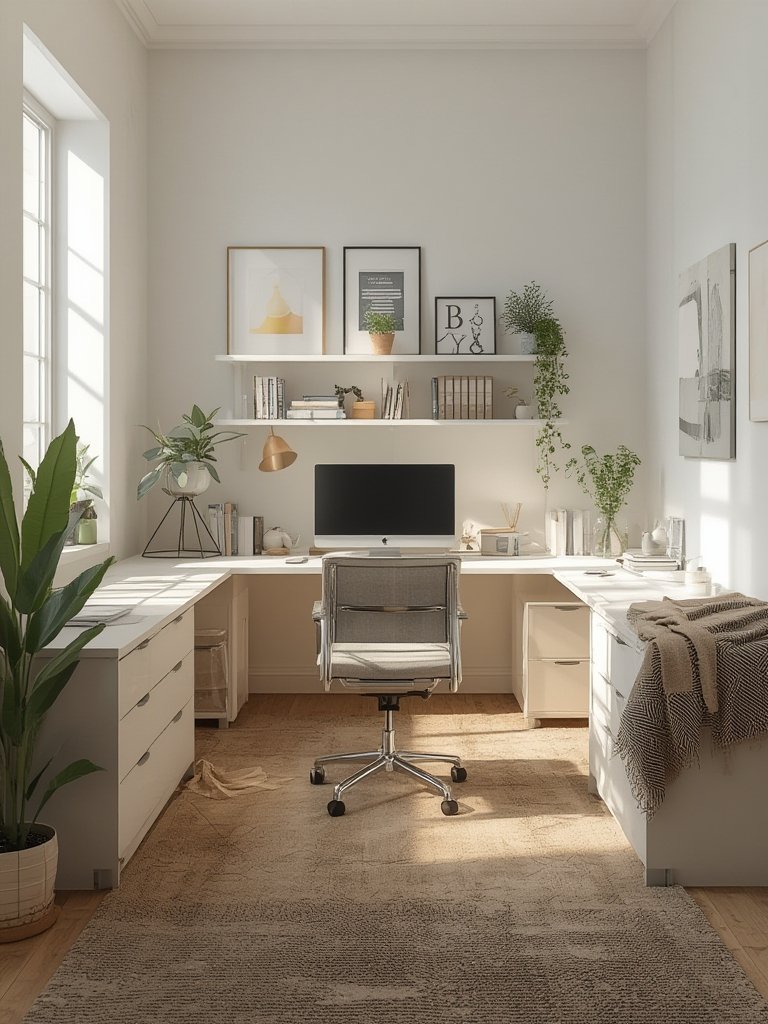
If you want an ergonomic workflow that supports flexible furniture, follow this step-by-step ergonomic setup as your reference point.
Conclusion
Modular workspace furniture empowers companies to rethink and truly optimize office layouts, blending adaptability, wellness, and advanced tech. While the right system can increase productivity and employee comfort, successful implementation requires careful planning, awareness of common pitfalls, and ongoing measurement. If you’re ready to explore a modern, flexible office, take these steps and insights as your roadmap to a workspace that adapts as fast as you do. Start your journey toward modular workspace furniture that actually delivers value—plan, review, and evolve your office with intent.
Need actionable ergonomic setups or guidance on integrating smart workspace elements? Explore our Smart Standing Desk guide or posture tracking wearable tips for the next step.
FAQ
What is modular workspace furniture?
Modular workspace furniture refers to office systems—such as desks, partitions, and storage—that can be rearranged, expanded, or adapted to meet changing team needs without major construction or downtime.
Are modular desks as durable as traditional desks?
Durability can vary. Some lightweight modular pieces may sacrifice sturdiness for flexibility. It’s important to check material quality, connection hardware, and warranty coverage before buying.
How do I know if modular furniture will fit our workflow?
Audit how your teams actually use space: note collaboration spots, quiet tasks, and bottlenecks. Modular solutions shine in offices with flexible, project-based needs; in static settings, benefits may be limited.
Is switching to modular workspace furniture expensive?
Entry costs are highly variable and not well published. Budget for more than basic furniture; advanced options like smart desks or premium materials carry a higher price but can save money long-term through space optimization.
How do I measure ROI on a modular office setup?
Start by establishing baseline metrics: space utilization, collaboration frequency, and employee feedback before the switch. Compare post-implementation data for clear evidence of improvements in productivity and efficiency.