

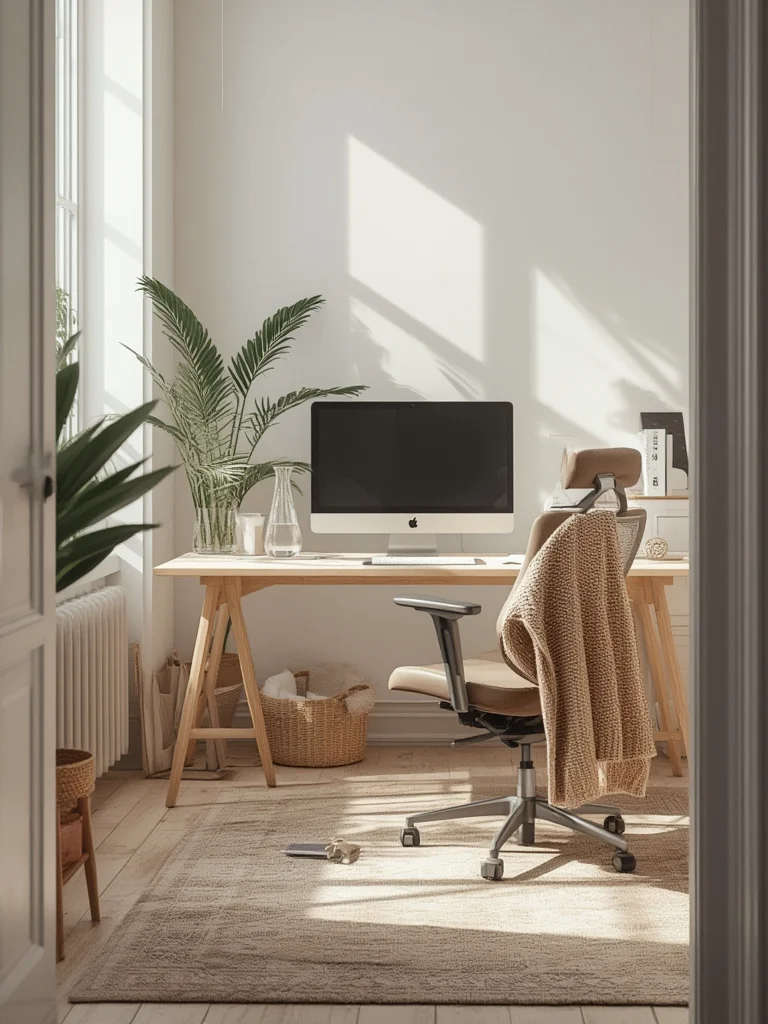
Cognitive Ergonomics Desk Setup can completely change how your mind works throughout the day—if you get it right. In busy offices or at home, a desk arranged for mental clarity helps reduce errors, fatigue, and even stress. Plenty of desk setup guides exist, but cognitive ergonomics goes further: it’s about how the workspace affects mental workload, attention, and productivity. Real-world data shows smart setup reduces mistakes by over half and boosts time-on-task, but most people miss crucial steps. Here’s what you need to know to truly optimize your brain—and your results.
Key Takeaways
- Cognitive ergonomics desk setup can cut errors by 56% and increase productive work time by 40%, based on case studies.
- Few desk setups address mental workload properly—missing steps can actually raise stress and reduce mental clarity.
- Effective setups blend adjustable furniture, lighting, and a distraction-minimized environment to support focus and brain health.
- Understanding Cognitive Ergonomics Desk Setup
- Step-by-Step Guide to Brain-Friendly Desk Setup
- Advanced Analysis and Common Pitfalls
- Conclusion
- FAQ
Understanding Cognitive Ergonomics Desk Setup
Cognitive ergonomics is the study of how workspace design affects your thinking, attention, and mental fatigue. Unlike traditional ergonomics—which focuses on physical health and comfort—cognitive ergonomics looks at errors, memory, focus, and mental workload. An effective cognitive ergonomics desk setup purposely minimizes distractions, supports task switching, ensures visual comfort, and aligns with human attention limits. It is not just about buying an adjustable chair or monitor stand—it’s about supporting your brain’s performance throughout the day.
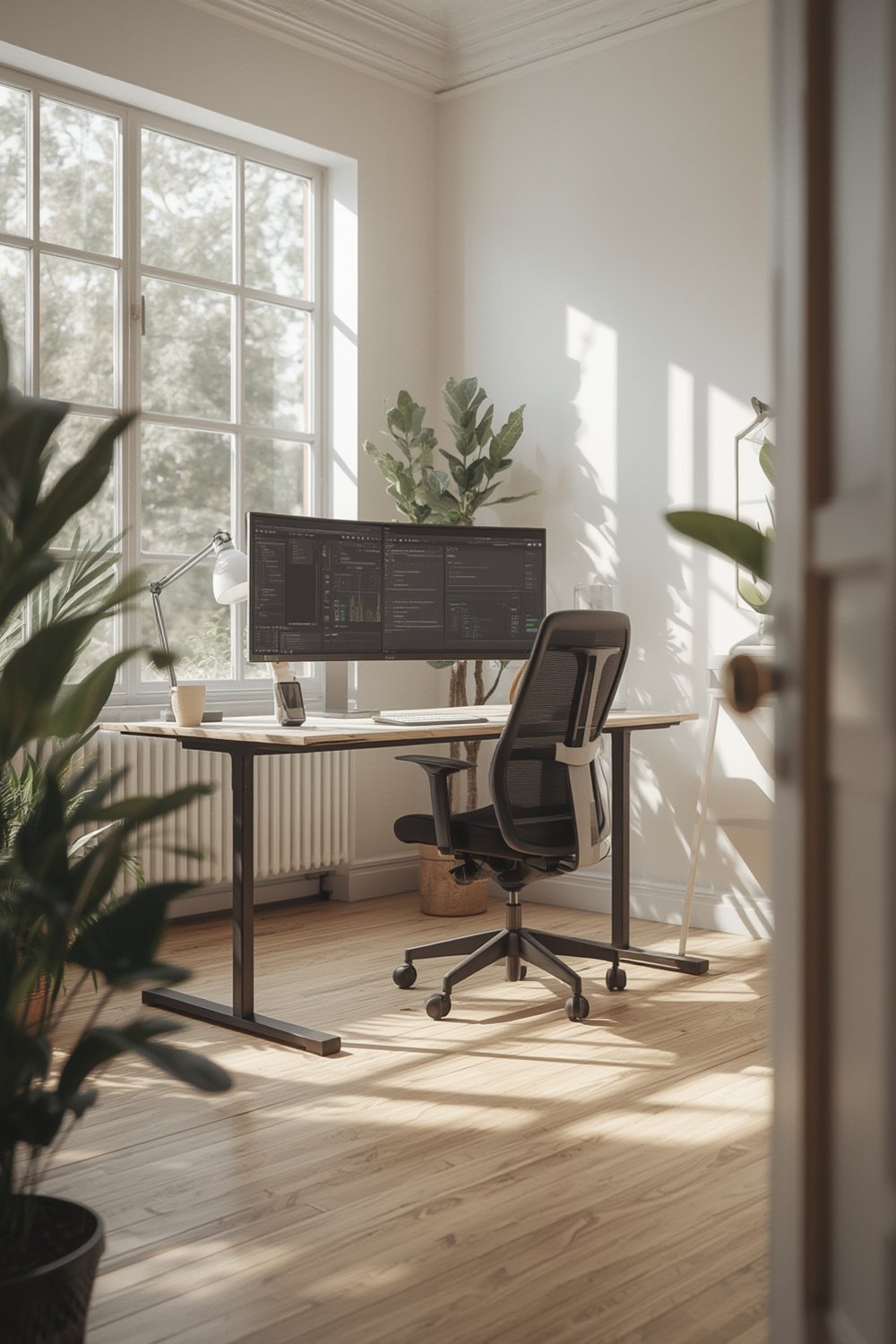
Key benefits from real-world cases include a 56% reduction in error rates (from 25% to 11%) and a 40% increase in focus-based work time after furniture and layout changes (source). Still, few offices or home workstations reach this potential—largely because most guides skip cognitive needs in favor of posture alone. To fill that gap, see The Ultimate Ergonomic Desk Setup Guide for foundational steps, then apply the cognitive-specific guidance below.
Step-by-Step Guide to a **Cognitive Ergonomics Desk Setup**
Optimizing your desk for cognitive ergonomics takes a few targeted steps. Here’s how to get clarity, focus, and less mental drain from your workspace:
Step 1: Reduce Visual and Auditory Noise
Clutter and random noise are the top brain drains. Start by clearing your main work area of anything you don’t use hourly. Aim to keep only current work materials and a single notepad in your line of sight. If you’re in a noisy area, use noise-canceling headphones or add a small desktop white noise machine—these consistently reduce error rates and improve performance. Avoid open office layouts whenever possible if focus is crucial.
Step 2: Prioritize Adjustable, Supportive Furniture
Invest in an adjustable chair and desk, ideally with memory settings to fit your height and work style. Case studies show switching to adjustable setups can drop absenteeism by 75% and cut workers’ compensation costs by 80% (source). AI-powered desks now range from $1,800 to $3,200 (source), but many gains come from midrange ($500–$1,000) solutions with proper adjustment. If rolling out across a team, expect $1,877 per workstation as a benchmark investment for a complete **Cognitive Ergonomics Desk Setup** (source).
Step 3: Improve Lighting and Screen Position
Mental clarity depends heavily on lighting and monitor ergonomics. Place your monitor so the top is at or just below eye level, about an arm’s length away. Use adjustable task lighting pointed away from screens to limit glare—glare triggers eye strain and cognitive drag. If daylight is available, position your desk perpendicular (not directly facing or backing) to windows to minimize harsh contrasts. While no current standards give exact lighting levels for cognitive optimization, consistent, indirect lighting and a neutral matte desktop are well supported as best practices.

Step 4: Minimize Digital Distractions and Notifications
Silence non-urgent notifications during focus hours. Try keeping only work-related windows open, and schedule times to check messages. Combining this step with a well-laid-out workspace compounds your mental energy savings throughout the day.
Step 5: Use Color Psychology and Plants Thoughtfully
Subtle color choices matter. Soft blues or light greens are associated with calm and focus, while very bright or saturated colors can overstimulate. A small plant boosts mood but avoid crowding your visual field. For a full breakdown of accessories and posture, see The Ultimate Ergonomic Desk Setup Guide and check out Smart Standing Desk: 7 Best Ways to Boost Productivity for standing desk tips that synergize with cognitive ergonomics.
Advanced Analysis and Common Pitfalls
Many people unknowingly sabotage their cognitive ergonomics desk setup by skipping expert assessment or using tech in the wrong way. Below are the most common missteps—and how to avoid them.
| Pitfall | What Happens | Prevention/Fix |
|---|---|---|
| Only focusing on posture, not mental workload | Workspace feels physically comfortable but still drains attention | Incorporate noise, lighting, and visual simplicity adjustments |
| Ignoring lighting quality and glare | Eye strain, headaches, mental fatigue, and more mistakes | Use indirect lighting, adjust monitor angles, limit face-to-window placement |
| Inadequate monitor height or distance | Neck discomfort, disrupted attention, reduced focus time | Set monitor top at/below eye level, arm’s length distance |
| Using overly bright, saturated colors | Overstimulation, jumpy attention, irritability | Stick to pale blue, soft green, or gray neutral palettes |
| DIY adjustments without any pro input | Hidden poor habits persist, so gains are limited | Schedule an ergonomics assessment (about $250–$450 per station source) |
| Neglecting posture health in standing setups | Can worsen fatigue and spacing out | Combine standing desk use with posture tracking wearables for real-time feedback |
Unfortunately, most desk ergonomics guides stop at posture or equipment, missing out on the huge boost in focus and error reduction possible with a cognitive approach. For a truly brain-friendly workspace, always combine physical setup advice with mental workload strategies.
Conclusion
Building a Cognitive Ergonomics Desk Setup isn’t just about posture—it’s about supporting your ability to think, focus, and avoid mental fatigue every single day. By blending smart organizing, the right furniture, and evidence-backed adjustments, you can realistically cut your error rates and improve work quality. Want to take the next step? Review your current desk arrangement, apply the strategies above, and revisit The Ultimate Ergonomic Desk Setup Guide for step-by-step posture and accessory tuning. Upgrade your cognitive workspace today and see the difference in how your mind performs.
FAQ
What is the difference between cognitive ergonomics and traditional ergonomics?
Traditional ergonomics focuses on physical comfort and injury prevention, like posture and repetitive strain. Cognitive ergonomics specifically targets mental tasks, reducing distractions, errors, and mental fatigue by adjusting the environment for focus and brain health.
How much does it cost to create a brain-friendly desk setup?
Costs range widely. Basic professional assessments start at $250–$450 per home setup. AI-powered ergonomic desks can cost $1,800–$3,200. For corporate rollouts, expect around $1,877 per workstation. Most productivity gains arise from quality, adjustable, mid-tier setups, not just high-end gear.
How do I know if my workspace is causing mental fatigue?
Warning signs include frequent errors, trouble focusing, headaches, and needing more time to complete tasks. If you notice your eyes or brain feeling tired after work, your desk likely needs adjustments.
What are the top mistakes to avoid when creating a cognitive ergonomics desk setup?
The biggest mistakes are ignoring lighting quality, crowding your workspace with clutter, setting your monitor too high or low, overusing intense colors, and making DIY adjustments without professional review. All reduce your cognitive edge.
Where can I find more in-depth setup guides?
For deeper learning, see The Ultimate Ergonomic Desk Setup Guide, Smart Standing Desk: 7 Best Ways to Boost Productivity, and Posture Tracking Wearable: 7 Amazing Ways to Improve Posture.