


Smart Standing Desk technology is transforming modern workspaces by combining ergonomic benefits with intelligent automation and connectivity. Whether you’re outfitting a home office or a corporate environment, these desks promise to boost well-being and productivity, but only if you know what to expect.
Key Takeaways
- Smart standing desks with Bluetooth and app integration are outpacing traditional models in market growth, fueled by demand for tech-driven ergonomics.
- Critical features—like sensor types, data security, and programming options—are often missed in reviews, and real-world reliability can vary between models.
- Clear guidance on setup, usage, and expectations is essential, as the smart desk market still lacks consistent standards on specs and pricing.
- The Core Concept: What Is a Smart Standing Desk and Why Use One?
- Step-by-Step Guide: How to Choose and Use a Smart Standing Desk
- Advanced Analysis & Common Pitfalls
- Conclusion
- FAQ
The Core Concept: What Is a Smart Standing Desk and Why Use One?
A smart standing desk is an electric, height-adjustable desk enhanced with Bluetooth, mobile app controls, and sensor capabilities. Unlike traditional manual or basic electric models, these desks let users save height presets, track usage patterns, and automate reminders—all from a phone or tablet.
The market for these advanced desks is booming. Reports show the global standing desks market reached USD 8.14 billion in 2024, with Bluetooth-integrated models outpacing others at a 6.5% CAGR. This surge comes as ergonomic health and remote work trends collide. Employees and individuals are prioritizing workspace wellness, driving adoption of programmable features and real-time analytics over standard height adjustment.
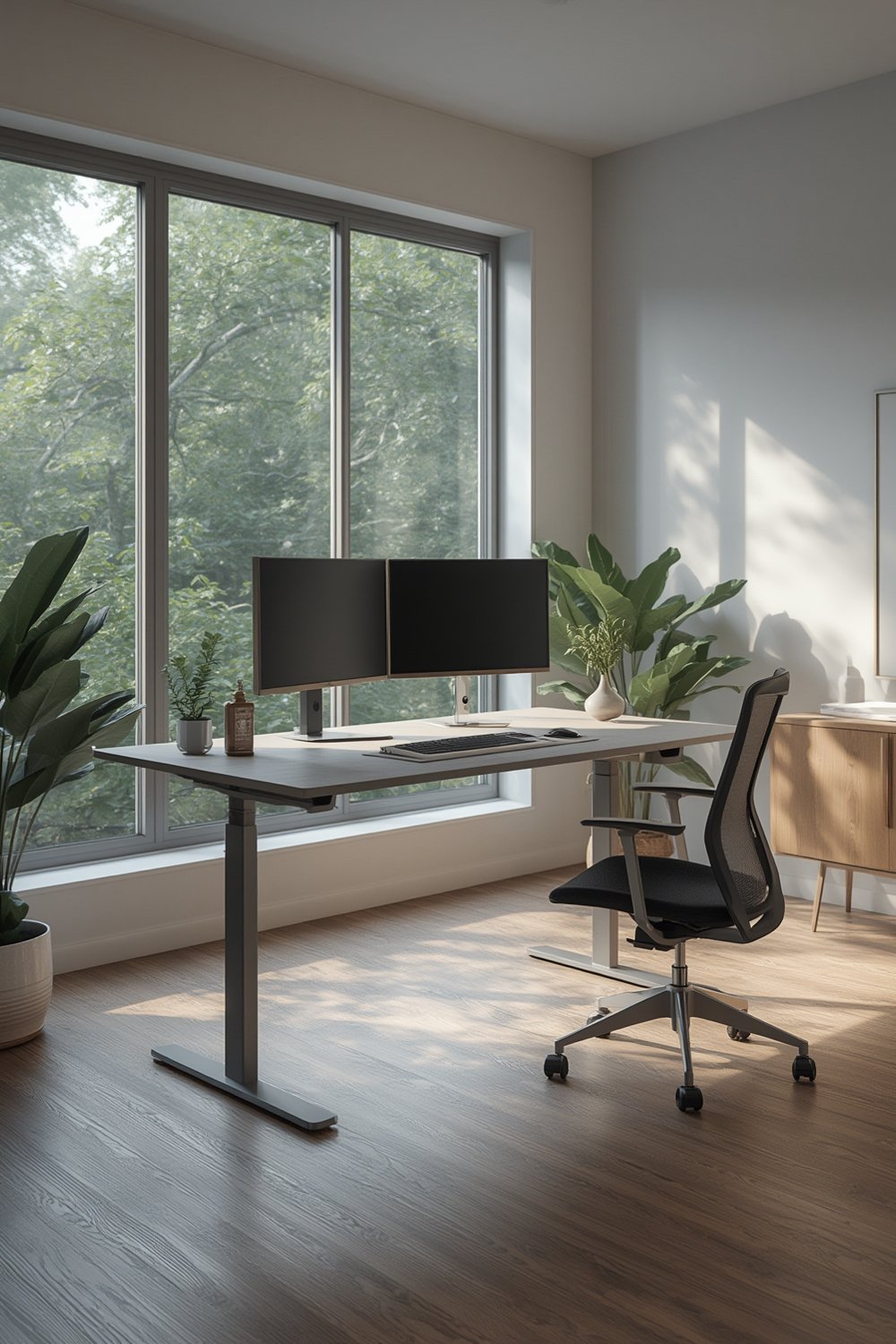
Choosing a smart standing desk is not just about standing versus sitting. It’s about creating a workstation that fits your habits, reminds you to move, and integrates seamlessly with other digital tools. Smart desks also bridge the gap between wellness and productivity, offering data-driven adjustments that static setups can’t match.
For actionable ways to optimize your entire workspace, see The Ultimate Ergonomic Desk Setup Guide (2026).
Step-by-Step Guide: How to Choose and Use a Smart Standing Desk
Selecting the right smart standing desk can feel overwhelming, given the technical jargon and varying quality. Here’s how to break down the process:
-
Identify Your Essential Features
- Decide if you need Bluetooth, app support, activity reminders, or sensor-based tracking.
- Check for compatibility with your preferred devices (iOS, Android, Windows, Mac).
- Look for programmable height settings for multiple users or sitting/standing intervals.
-
Assess the Desk’s Build and Specs
- Compare adjustment speed and noise level; smooth motors reduce distractions.
- Ensure load capacity matches your equipment (monitors, laptops, accessories).
- Ask about warranty and available customer support channels.
-
Evaluate Connectivity and App Experience
- Test app reliability before committing—the most advanced desk risks becoming clunky if software is buggy or prone to Bluetooth drops.
- Check if firmware updates are simple to apply and if the brand maintains its software over time.
-
Plan for Data and Security
- Review privacy policies if your profile or movement data is saved to the cloud.
- Understand what data the manufacturer collects and how it’s secured.

Once you’re set up:
- Install the desk per the manufacturer’s instructions—enlist help for safe assembly, as these desks can be heavy.
- Connect the Bluetooth/app to ensure reliable pairing before adding accessories or monitors.
- Set up ergonomic accessories, cable management, and monitor placement for comfort. For details, see desk ergonomics tips.
- Program stand/sit intervals based on evidence-based best practices (20–40 minutes sitting, then stand for 10–15).
- Regularly check for firmware/app updates and review movement analytics to optimize routines.
Advanced Analysis & Common Pitfalls
The surge in smart standing desk adoption has surfaced several recurring issues and overlooked realities. The most common pitfalls stem not from flashy features but from missing details and mismatched expectations.
User Complaints and Reliability
User reviews are still sparse, but anecdotal evidence points to these areas:
- Connectivity Flaws: Some smart desks suffer from unreliable Bluetooth connections, causing user frustration when syncing height settings or analytics. Always check for recent firmware updates and support policies.
- Noisy or Slow Motors: Not all electric desks are built the same. Motors vary in speed and smoothness, and noisy ones can disrupt your focus.
- Software Bugs: Mobile app experience ranges from polished to barely functional. Poor app design can make even the best hardware a hassle to use.
What Reviews and Articles Still Miss
Most top-ranking guides fail to cover:
- Precise sensor types used (proximity, load, movement).
- Programming customization—e.g., multi-profile presets, hackability, or integration with external fitness apps.
- Details on how data is processed or stored, which matters for privacy-conscious users.
Cost Analysis: Smart vs. Traditional Standing Desks
| Feature | Traditional Standing Desk | Smart Standing Desk (Bluetooth/App/Sensors) |
|---|---|---|
| Typical Price Range | $250 – $650 | $700 – $1500* |
| Height Adjustment | Manual or basic electric | Electric, with app presets and reminders |
| App/Bluetooth Integration | Rare/None | Standard, with activity tracking |
| Sensors & Analytics | No | Included (type varies by model) |
| Ongoing Costs | None | Possible app subscription for advanced analytics |
*Market range estimated from manufacturer pricing trends in 2024. For latest prices, always check product listings or contact vendors directly.
Security, Privacy, and Data
Current models rarely advertise their privacy or security protocols. If the desk saves data like usage patterns, height presets, or personal info in the cloud, request documentation about encryption and policies. The lack of clarity is a legitimate red flag, especially in shared office environments.
Technical Specs Gap
Technical details (adjustment speed, load, connectivity protocols) are often thinly covered—even by major brands. Before buying, always ask for:
- Adjustment speed (inches or mm per second)
- Weight/load capacity
- Supported Bluetooth version and range
- App compatibility: does the app work on your device and OS version?
- Sensor types and overall warranty
For more on setting up your tech efficiently, see our step-by-step ergonomic setup guide.
Finally, while standing desks are linked to reduced sedentary time and health risk awareness (sources: Grand View Research), no scientific study currently proves better outcomes with programmable or sensor-equipped models. Smart features may encourage movement, but always check if a basic solution would deliver the same benefit for you and your team.

Conclusion
Smart standing desks are an exciting evolution in office ergonomics, offering analytics, programmable controls, and app integration for enhanced wellness and productivity. But “smart” doesn’t automatically mean “better”—reliability still varies, and hidden issues like software glitches, unclear privacy practice, and vague specs matter. Always compare models, review support documentation, and evaluate if a Smart Standing Desk aligns with your actual needs.
If you’re serious about building a workspace that prioritizes comfort, start with smart choices. Review our ergonomic desk setup tips to complement your technology. Ready to upgrade? Dive deeper and choose your desk with both your health and workflow in mind.
FAQ
Are smart standing desks really worth the price over traditional models?
It depends on your work habits. Smart standing desks offer programmable presets, reminders, and connectivity, which can be valuable if you like tracking habits and adjusting frequently. For simple needs, a basic electric adjustable desk might suffice at a lower cost.
Do all smart standing desks require a monthly subscription?
Most smart desks do not require a subscription for core features, but some advanced analytics or cloud-based services may charge a fee. Check with each manufacturer about long-term costs before buying.
How secure is the data collected by a smart standing desk’s app?
There is little transparency in the industry about data security practices. If privacy is crucial, ask for explicit documentation about encryption and storage or opt for models that keep data local to your device.
What kind of warranty or support should I expect?
Most reputable standing desk brands offer at least a 1-year warranty on electronic parts and customer support via chat, phone, or email. Always request warranty terms in writing before purchasing.
Can I use smart standing desks with all operating systems?
The majority support both iOS and Android, but macOS and Windows integration is less common. Review app compatibility with your primary devices before committing.